 Download
Stop uploading.
Just drop it.
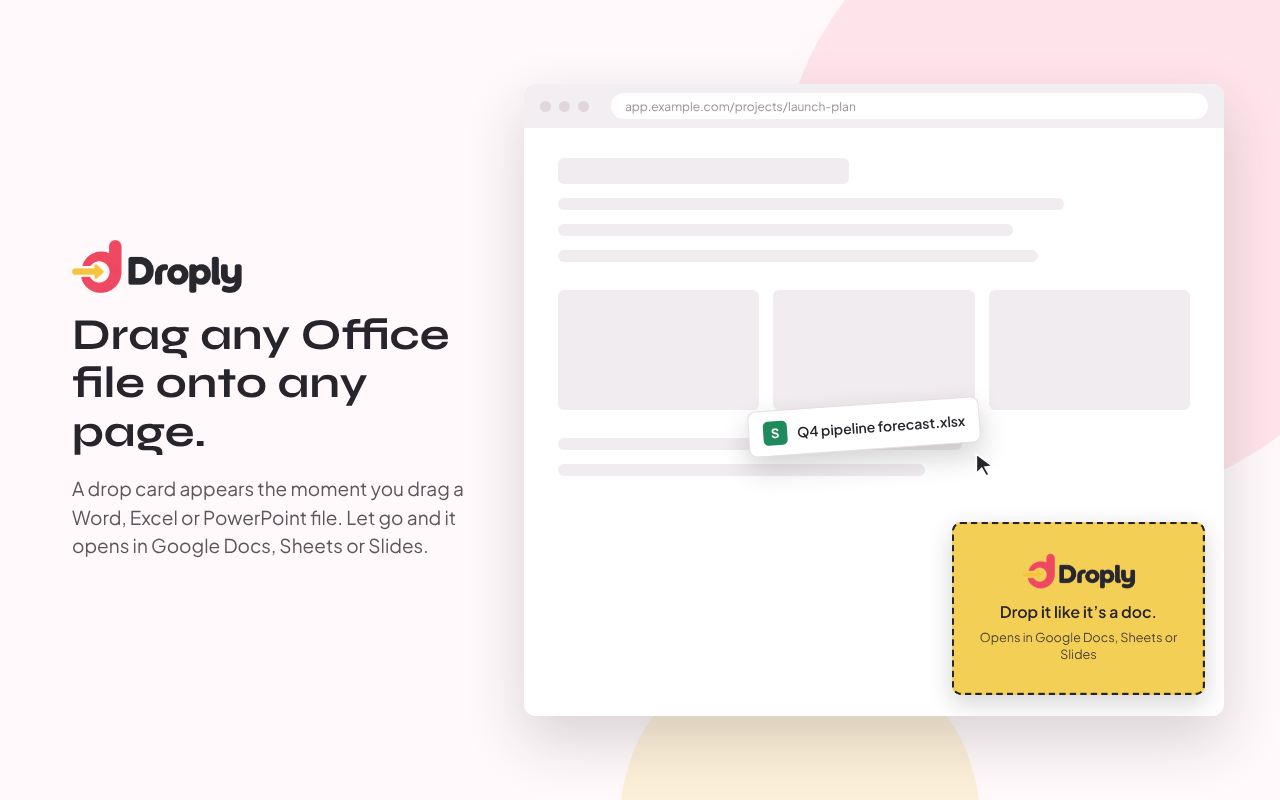
Someone sent you a .docx. You want it in Google Docs. Normally that's four clicks and a file picker — with Droply you drag it onto the page you're already on.
Download Droply 1.0Free · Chrome, Edge, Brave, Arc
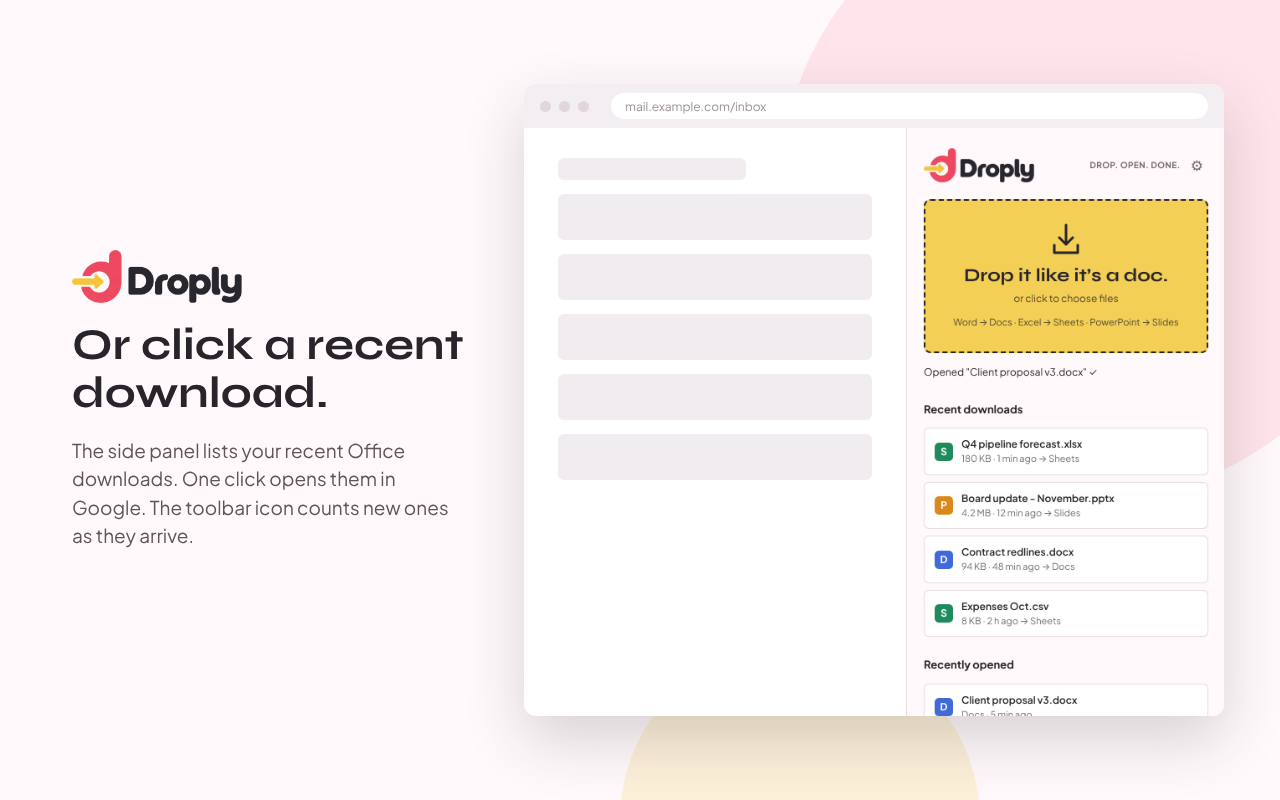
Or skip the dragging.
Open the side panel (Alt+Shift+G) and your recent Office downloads are right there. Click one, it opens in Docs, Sheets or Slides.
Files go from your browser to your own Google Drive. No servers in between, no tracking.
Installing it
It's not on the Chrome Web Store yet, so it takes a minute by hand.
- Download the zip and unzip it.
- Go to
chrome://extensionsand switch on Developer mode (top right). - Click Load unpacked and pick the unzipped folder.
- Pin Droply, sign in with Google once, and drag a file onto any page.